
Install app
To install the app, go to BeSure Checkout Rules on the Shopify App Store.
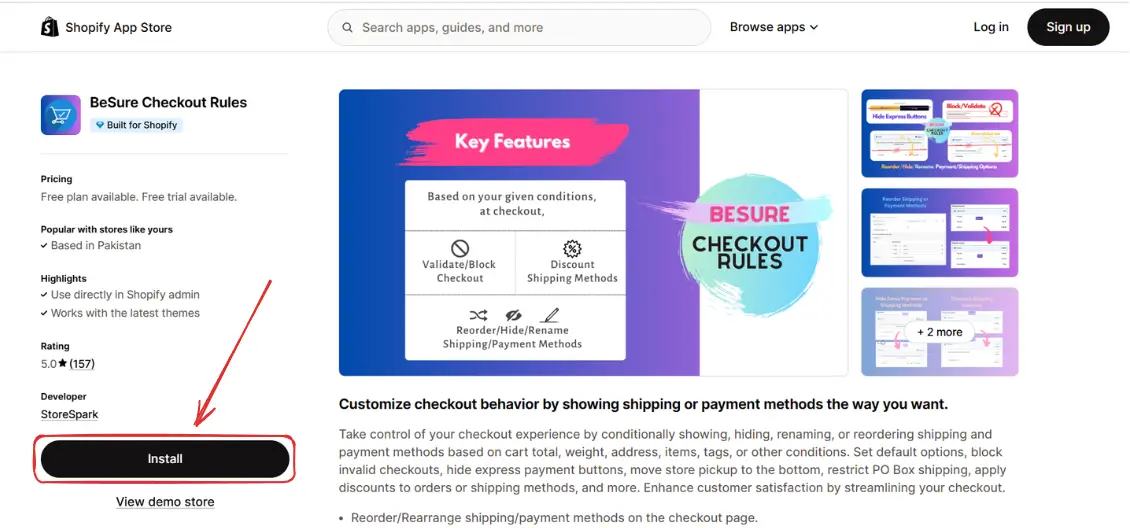
Go to the app
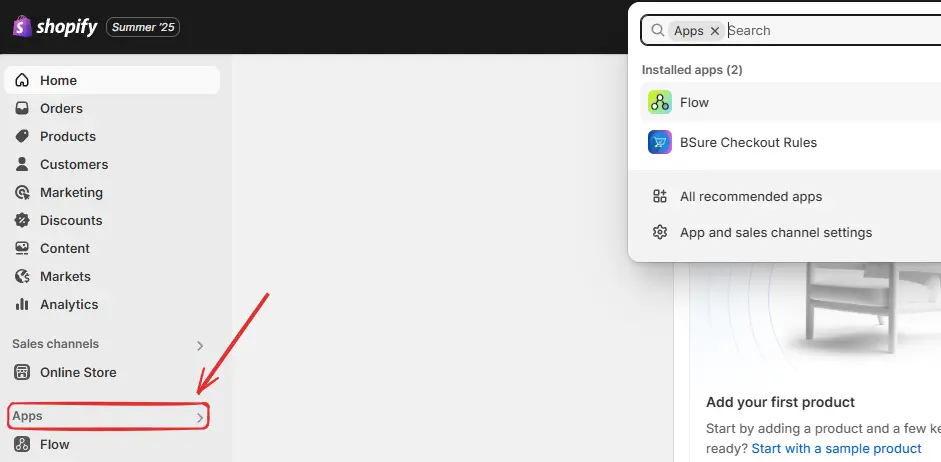
After installation, go to your Shopify admin, click on Apps in the sidebar.
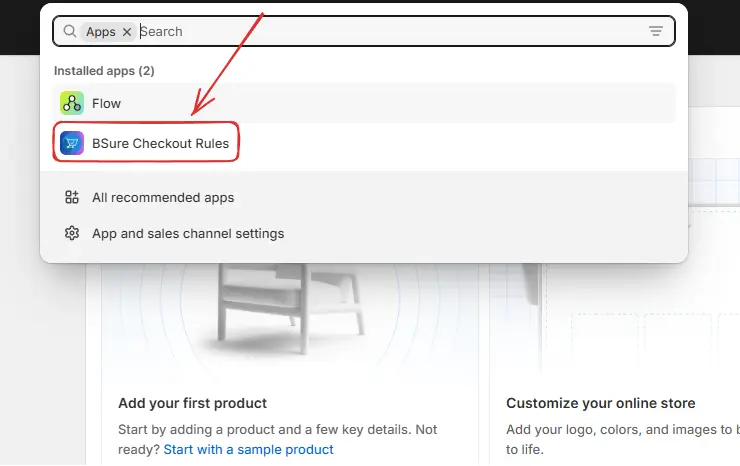
Then click on BSure Checkout Rules to open the app.
Upgrade your plan
When the app is installed, the Free Plan is activated by default. This plan is intended for testing or development stores and lets you explore the app's features.
To activate rules on your store, navigate to BSure Checkout Rules → Settings → Billing.
Then you’ll be redirected to the Billing screen. Choose your tenure by selecting the Monthly or Annual tab, and click Select plan on your preferred option. After upgrading your plan, you can now activate rules on your store.
Then you’ll be redirected to the Approve subscription screen. Choose your payment method and click “Approve” to complete the upgrade and activate your plan.
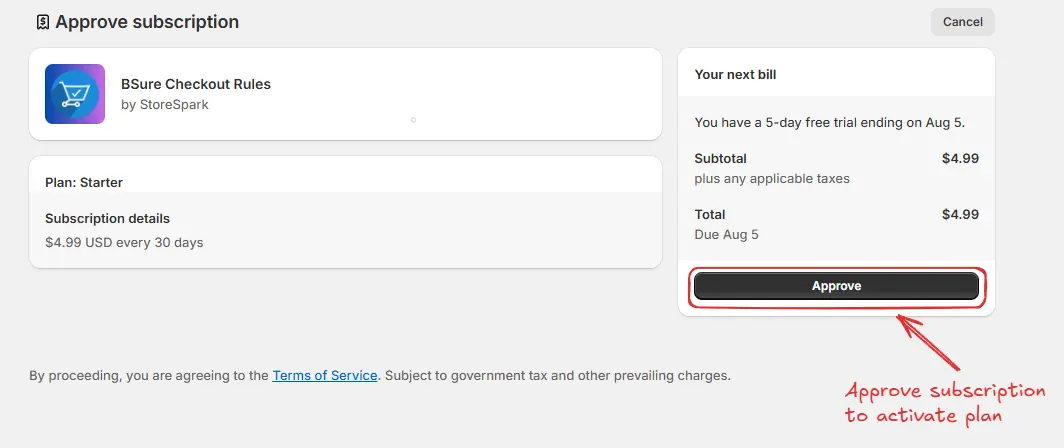
After upgrading your plan, you can now activate rules on your store.